

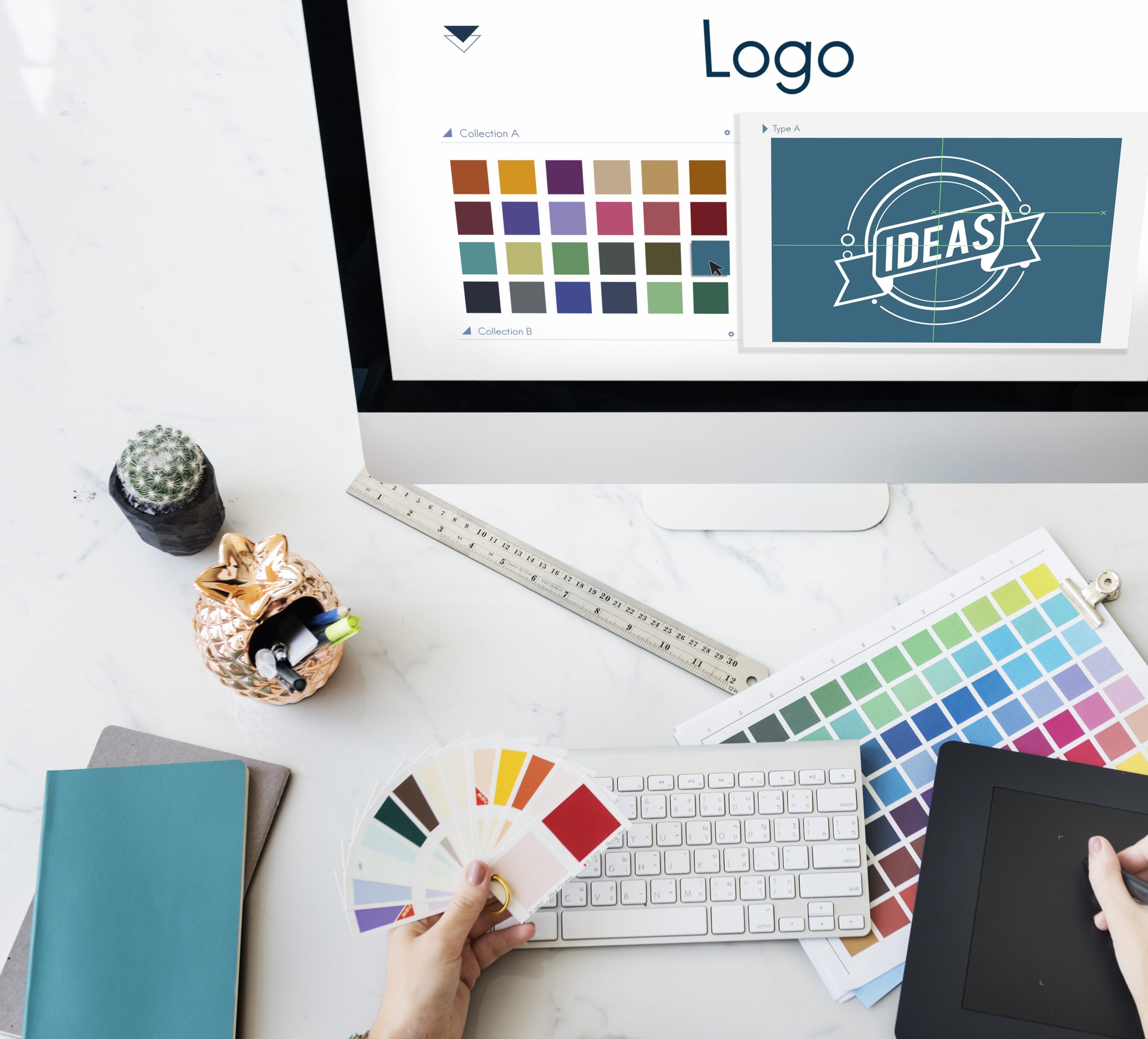
Graphic design is an integral part of the competitive business environment. Brands need to use visually appealing assets to communicate the message effectively. Whether you are a professional designer or a beginner, the right tools can significantly affect your business. In this article, you will discover the top 10 graphic design tools that every beginner should trust.
Importance of Graphic Design for Businesses and Individuals
Graphic design can be a powerful tool for both businesses and individuals regarding their success. It is also critical for companies because it allows them to develop a powerful brand identity. A logo uniquely designed, a consistent color palette, and appealing visual assets help build corporate image and branding resonate long with customers. Graphic design can call attention to complicated messages in an attractive and readable manner.
Graphic design allows the sharing of talent as a person who is rich in creativity deals with graphic design. No matter if you want to be a freelance designer or an aspiring artist, graphic design can match every style and mood with that one picture. With this medium, you can try out various styles, figure out a style you stick to best, and make some of your best work public.
Essential Skills Needed for Graphic Design
A person who wants to achieve in graphic design must develop some talents. These skills include:
1. Creativity: Graphic designers must be flexible enough to find new ways of creatively dealing with design problems. They should have excellent taste and be able to make attractive designs.
2. Typography: The knowledge of the fundamentals of typography is so essential for graphic design. The decision of fonts, establishing hierarchy, and the combination of text and graphics are of paramount importance for effective communication.
3. Color Theory: The knowledge of color theory is critical for developing harmonious and visually appealing designs. Graphic designers must know how to use colors to stimulate feelings, provide contrast, and control the viewer’s focus.
4. Layout and Composition: Knowing how to arrange page/screen elements or use them for beautiful visual communication is basic. Being able to be precise and have an excellent taste for balance, proportion, and relationships within the space is what becomes the main asset of a graphic designer.
5. Digital Tools: Without basics, proficiency in graphic design software cannot be achieved by those who want to be recognized as a designer. Knowledge of tools like Adobe Photoshop, Canva, and Inkscape enables designers to have a playground, which helps them bring their ideas to life and create functional designs.
Top 10 Graphic Design Tools for Beginners
Now that we understand the importance of graphic design and the essential skills needed to succeed in this field, let’s dive into the top 10 graphic design tools that are perfect for beginners.
1. Adobe Photoshop
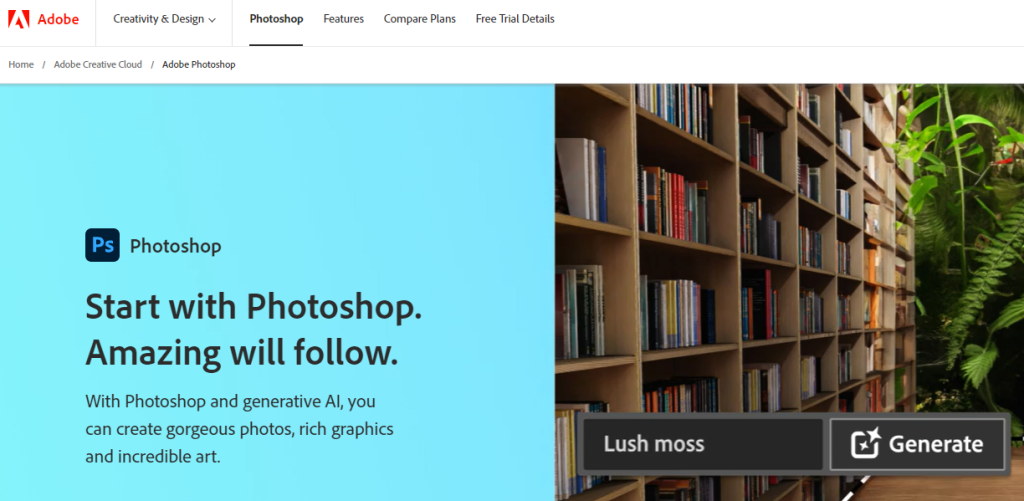
Adobe Photoshop is the most popular tool for graphic design. It has all possible features and tools to create amazing designs. This application helps manipulate with images, create digital illustrations, and improve photos. The intuitive user interface and varied features make it an essential tool for anyone who wants to be a graphic designer.
Features:
- Layers: Photoshop gives you the freedom to work with layers so that you can edit and modify your designs with less effort.
- Image Editing: With Photoshop, you will be exposed to advanced features through which you may transform, resize, and correct colors in your pictures.
- Filters and Effects: Use numerous filters and effects for your creations to give them a completely different look and sensation.
- Typography: Photoshop provides an assorted set of text editing tools that enable you to achieve attractive typography designs.
Pricing:
Currently, Adobe Photoshop is accessed via a subscription-based business model. Among the available plans, there are monthly or yearly options which start from $20.99 per month.
2. Canva
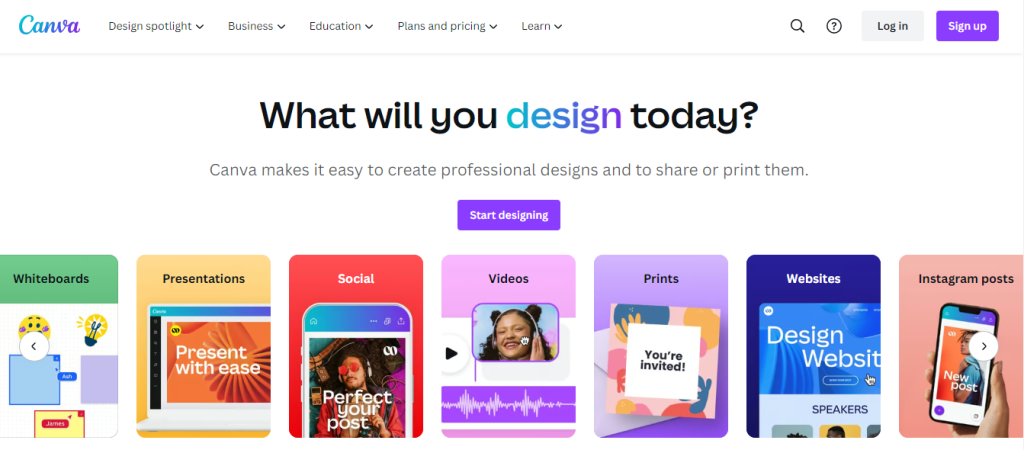
If it’s about easy-to-use graphic design apps, Canva is the best solution. It is a cloud-based software with a set of templates and design elements you can easily modify. Alongside Canva, you can produce social media graphics, presentations, posters, and others without any requirements to be a designer.
Features:
- Templates: One of Canva’s most prominent features is its various design templates for different kinds of projects, thus enabling novice designers to begin with ease.
- Drag-and-Drop Interface: You can easily drag and drop the elements to your board, and then tailor them with several clicks.
- Collaboration: Canva makes it possible for many users to collaborate in real time which is perfect for group projects.
- Stock Images: Pick out from the library with wonderful stock images to boost your designs.
Pricing:
Canva features a free plan with limited functionalities. If you want to apply for more features and higher-quality templates, you can sign up for Canva Pro, which costs $9.95 monthly.
3. Inkscape
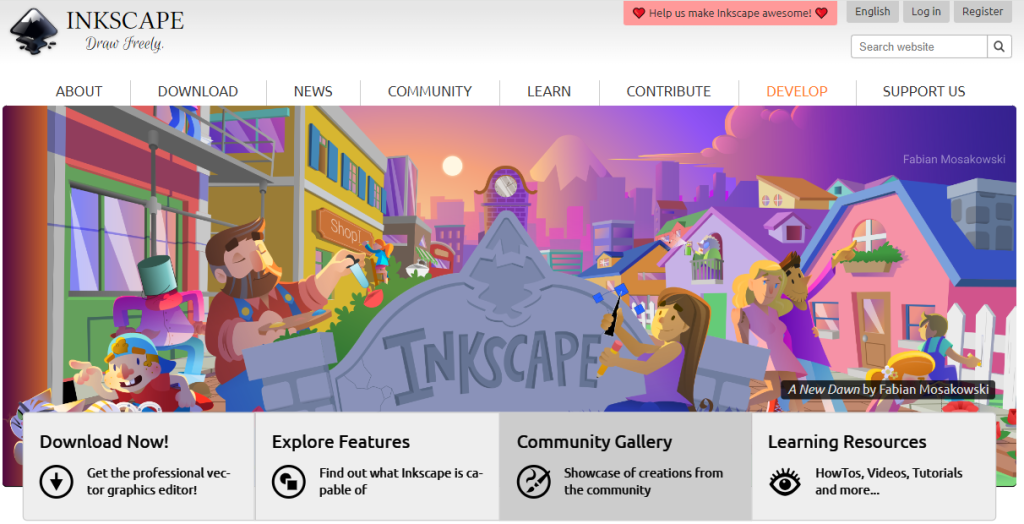
Inkscape is a free and free-to-use vector graphics editor that is the best item for beginners. It is an excellent substitute for Adobe Illustrator and you can find there similar features and functions. With Inkscape, you can fashion scaled vector graphics to make logos, illustrations, and so on.
Features:
- SVG Support: Inkscape uses the SVG (Scalable Vector Graphics) format, which enables you to craft vector graphics of high quality.
- Object Manipulation: It’s quite simple to perform object transformations like resizing, rotating, and skewing into something that you’ve never seen before.
- Text Editing: Inkscape also has command over the text editors and has the abilities of artistic text and flowing text along a curve.
- Extensions: Expanse of the functionality of Inkscape with a wide range of extensions developed by the community.
Pricing:
Inkscape is 100% free and can run on Windows, Mac, and Linux systems alike.
4. GIMP
GIMP (GNU Image Manipulation Program) is a feature-packed and reliable software that provides a host of features and capabilities for free and open-source applications. It’s a great choice for those who are starting and for those who looking for a more powerful and versatile program of design.
Features:
- Image Editing: The GIMP provides a whole range of tools for boosting, repairing and enhancing the photos.
- Layers and Masks: Work with layers containing masks and to produce highly developed patterns and images.
- Customizable Interface: GIMP’s interface is really flexible, so you can put it in order and take things up to your convenience.
- Third-Party Plugins: To increase GIMP’s features, support a large number of plug-ins that are built by the community.
Pricing:
GIMP is available for all OS platforms – Windows, Macs and Linux. Additionally, it is free to download and use.
5. Pixlr
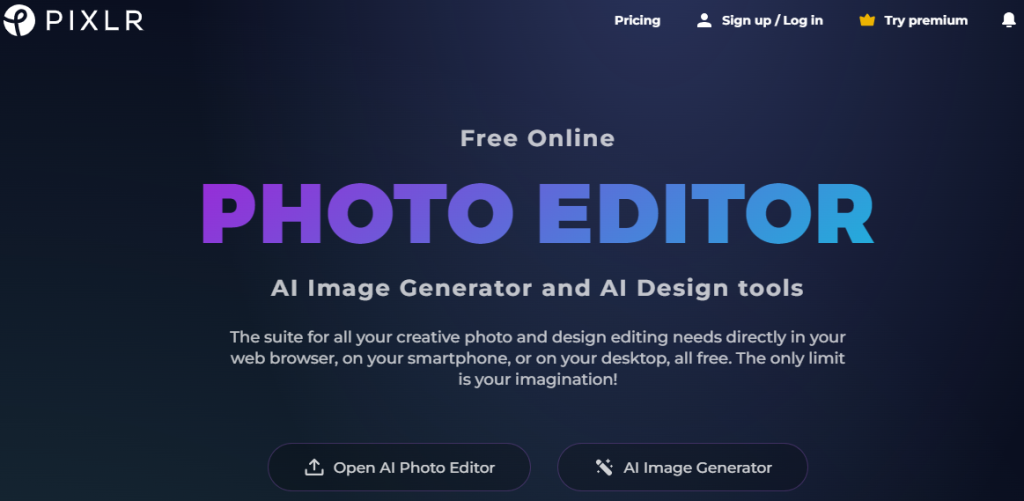
If you’re into the idea of working with an online photo editor, Pixlr will be a perfect choice. It provides a set of capabilities and instruments that make it possible to adjust and improve the quality of your pictures right in your web browser. Pixlr is an user-friendly and can be used to perform simple as well as complex editing tasks.
Features:
- Photo Editing: Pixlr incorporates many possibilities: from cropping, resizing to color tuning functions.
- Layers and Masks: Using layers and masks, build striking photo compositions and effects.
- Filters and Effects: Use different filters and effects on your photos to create an image that is specific to you.
- Collage Maker: Make remarkable photo collages with the collage maker in Pixlr.
Pricing:
Pixlr comes with a free alternative equipped with limited features. For those who want to gain access to additional features and premium content, you can opt for Pixlr Pro that starts at $4.90 per month.
6. DesignWizard
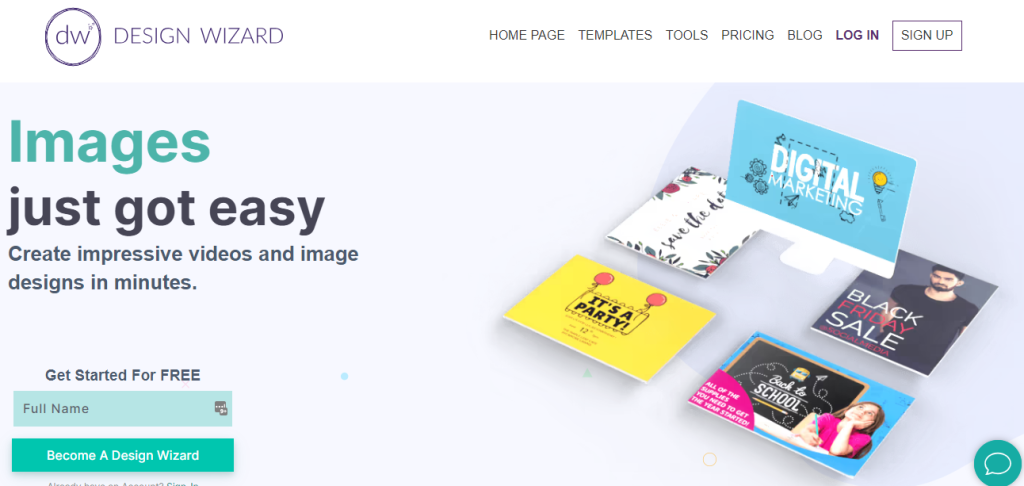
DesignWizard is a graphic designing tool that a beginner would find quite helpful in creating professional designs. It provides a vast library of templates and design elements that can be modified to suit yours.
Features:
- Templates: The DesignWizard platform includes a variety of templates for social media graphics, posters, etc.
- Image Library: Utilize a huge gallery of professional graphics to give your designs a boost.
- Customizable Elements: Easily personalize text, colors and other design features to achieve standout designs.
- Branding Tools: Design and manage your brand assets, such as logos, colors and fonts.
Pricing:
DesignWizard has a free version with limited features as well. For more advanced features and premium template access, you can select between monthly or annual plans, starting at $9.99 a month.
7. Gravit Designer
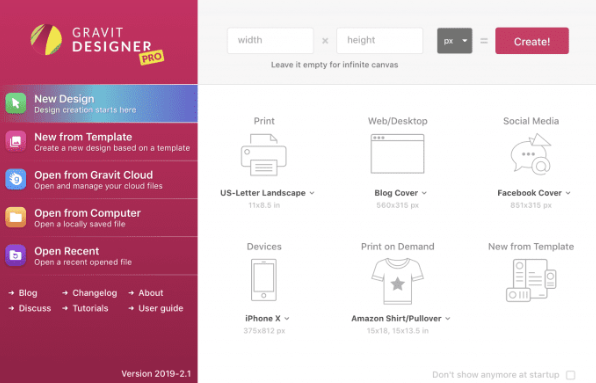
Gravit Designer is a multi-device platform that will work great for non-professional designers to produce amazing designs on different devices. It allows you to design vector graphics, illustrations, or whatnot using its versatile feature set.
Features:
- Vector Editing: Gravit Designer has vector editing functions that let you generate graphics that can be scaled without losing their quality.
- Export Options: Export your projects in an array of formats, including PNG, SVG, PDF, and so forth.
- Collaboration: Gravit Designer helps you work with others in real-time, so this gives the possibility for team projects.
- Cloud Storage: Keep your designs online and download them from any platform.
Pricing:
Gravit Designer presents a free version with limited scope of capabilities. If you want to unlock the full potential of Gravit Designer Pro, you can subscribe to Pro which starts at $49 per year for advanced features and premium templates.
8. Sketch
Sketch is the most popular tool among web and UI designers currently. It has various functions and attributes able to make the best looking website layouts, app layouts, etc. Although Sketch is limited to the Mac operating system, they are known to be the best app for designing apps and digital products.
Features:
- Artboards: To work with artboards and produce multiple designs for computers, mobile phones, and tablets of various sizes.
- Symbols: Develop reusable design components comprising of buttons and icons via Sketch’s symbols functionality.
- Prototyping: Develop dynamic mockups that will display the application of the design and the user’s activity.
- Collaboration: Sketch enables you team up with others in real-time thus it is a good tool for project assigned to groups.
Pricing:
Sketch provides its users with a free trial for 30 days. After the free trial, you can buy a one-year license at $99.
9. Figma
Figma is a collaboration-based user interface design tool through which many designers simultaneously work on the same project in tandem. It covers a wide spectrum of possibilities and provides abilities that make it perfect for creating user interfaces and working with the team and client.
Features:
- Real-Time Collaboration: With the option to work on the same project at the same time, Figma becomes suitable for team projects.
- Design Libraries: Create and support design systems and component libraries to achieve consistency of your designs across different platforms.
- Prototyping: Use interactive prototyping techniques to visualize your plans and show users how the interactions will transpire.
- Version History: Access your old designs with previously made modifications that were done by your team members.
Pricing:
With Figma, there is as well a free version having fewer capabilities. If you need more advanced options and higher-class collaboration tools, you can use the Figma Professional, which starts at $12 per editor per month.
10. Vectr
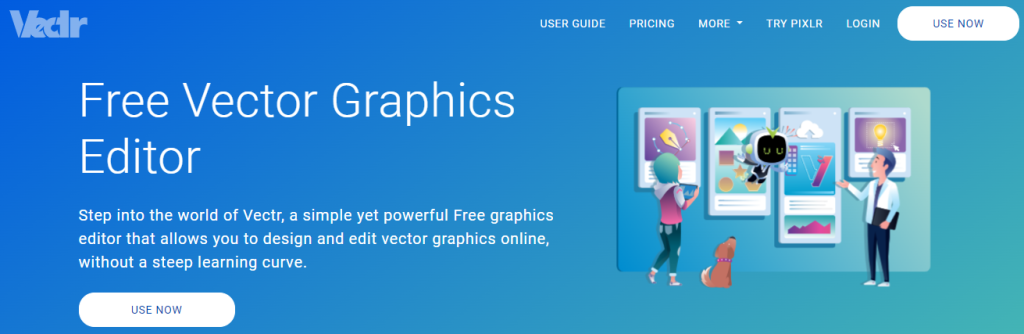
Vectr is a free vector graphics software that is geared toward beginners who just want to try out some graphic design. Whether you work with logos, icons, or illustrations, the Vectr interface offers intuitive design and cooperation in real-time, therefore the process is clear and pleasant. With no prerequisite skills or expensive tools, Vectr is your go-to tool if you are starting on your vector graphics journey without having to worry about the cost.
Features:
- Real-time Collaboration: Team up with your teammates to work on design projects simultaneously.
- Simple Interface: Intuitive vector creation tools and controls for vector graphic development.
- Cross-Platform Compatibility: Dive into Vectr on the web and the desktop versions.
- Freehand Drawing: Sketch and create directly on the canvas by using a freehand drawing tool.
Pricing:
Vectr is completely free to use.
How to Select the Right Tool for Your Needs
Given the abundance of graphic design tools at your disposal, deciding upon a suitable one could be a very difficult process. When selecting a tool, consider the following factors in mind:
- Features: Examine the features, functions, and strengths of each tool to find out if they correspond to your design requirements.
- Ease of Use: Try to evaluate the ease of use of the tool, for example, if you are just a beginner without the design experience.
- Compatibility: Make sure to verify the compatibility of the tool with your OS and devices.
- Budget: Estimate pricing tools and select one that serves you best in terms of cost.
Through this consideration, you will be able to pick the right tool that will assist you in the realization of your design objectives.
Common Mistakes to Avoid in Graphic Design
Understanding some common mistakes that usually happen during the design process will assist you a lot in avoiding them. Here are a few common mistakes to avoid:
1. Overcomplicating Designs: Your designs should be simple and concise. Eliminate the clutter and unrelated components that only serve as a diversion from the core message.
2. Ignoring Typography: Pay attention to the choice of font and ensure that the typography complements the overall design style.
3. Lack of Consistency: Consistency in color schemes, fonts, and uniform design elements is required for developing an integrated appearance.
4. Not Considering User Experience: Consider the user persona when designing. Make sure that your designs are user-centered and easy to use.
5. Ignoring Feedback: Ask your colleagues and clients for reviews and recommendations to help your development. Embrace both constructive criticism and required alterations.
These errors should be avoided at all costs since will result in designs that resonate with your audience.
Conclusion
Graphic design is an amazing field where opportunities never end and one can create and express oneself endlessly. Whether you are a business owner trying to boost your brand or an individual who wants to explore his artistic skills, the right graphic design tools make the process fun and easy. Not only Adobe Photoshop but many others like Canva and Inkscape are sufficient for beginners. Consequently, do not be afraid to plunge in and bring to life these stunning designs now.
Take into consideration, that if you need expert assistance with your graphic design projects, Ad to Cart is available to provide the needed help. Contact us for any graphic design needs and significantly upgrade your visual communication.


